
-
Please see the most recent updates in the "Where did the .com name go?" thread. Posts number 16 and 17.
-
Special Server Maintenance
Just when you think you have everything running some what better...
You get a message from the Hosting company. Short story they need to move us to a new server. I have been working with them to plan a good date for all concerned. Here is what we have come up with as a schedule.
- November 4th 17:00 -5UTC shut off the forums and start backup proceedures. During this time there will be no access to the forums or the Resource Section.
- November 5th Continue with Backups and download same until complete.
- November 6th 7:00 turn over server to hosting company to move system to new server
- November 7th - 8th restore backups and upgrade forum software.
If all goes well we should be back online on November 8th.
To keep you updated we will post updates on AVSIM forums.
Thank you for your support.
You are using an out of date browser. It may not display this or other websites correctly.
You should upgrade or use an alternative browser.
You should upgrade or use an alternative browser.
FSRealWX and clouds.
- Thread starter Sbob
- Start date

ScottishMike1
Members +
Is FSRealWX the freeware weather?
I use FSGlobalrealWeather payware so the following might not apply.
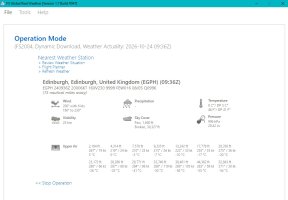
Loading the app it finds the local weather and provides this info:
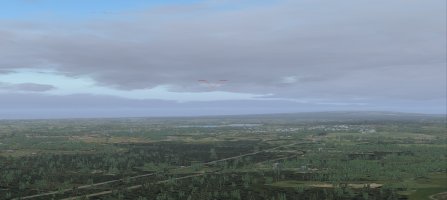
It then injects that into FS9, it looks like this:
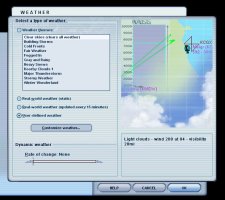
It changes the settings to this:
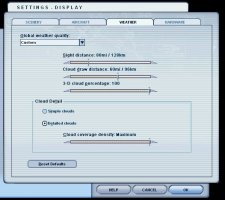
using my cloud settings that are:
I use FSGlobalrealWeather payware so the following might not apply.
Loading the app it finds the local weather and provides this info:
It then injects that into FS9, it looks like this:
It changes the settings to this:
using my cloud settings that are:

scotty
Members +
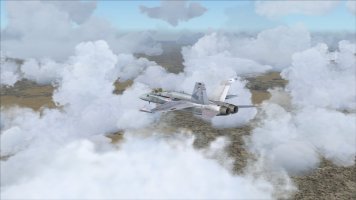
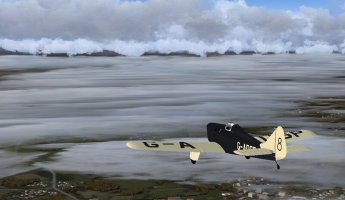
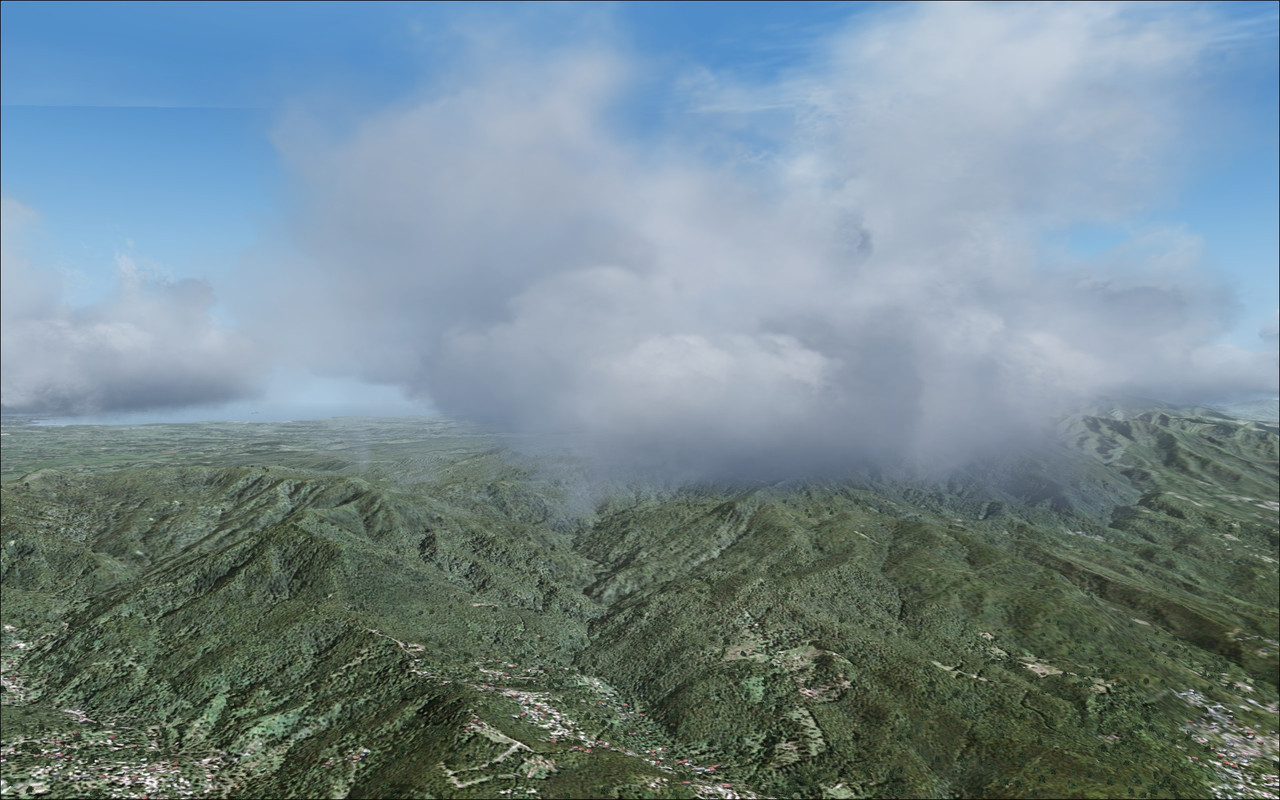
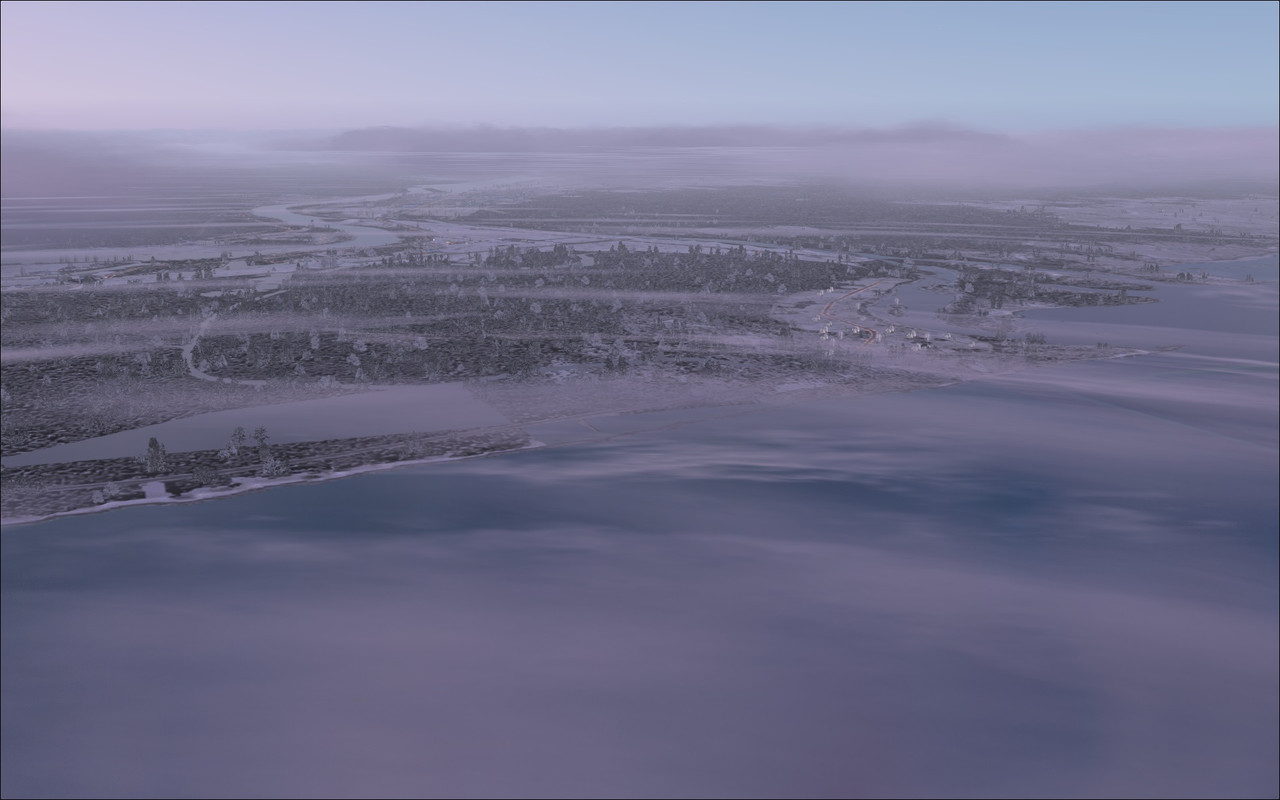
Some pictures will be helpful, otherwise we can only guess, and that is not helpful.It always looks like I'm flying into a massive weather front, so I'm wondering if my cloud settings are too high?
Which cloud texture you are using?

Sbob
SOH-CM-2026
I'm just using (3D) stock clouds.
Since I'm running FSRealWX, I don't get a lot of say in what gets displayed and when.
Which was the whole point.
I mean, its possible I'm just hitting crappy weather.
Anyway, I need to fly a Hornet from St. Louis (KSTL) back to LeMoore (KNLC) via Colorado Springs (KCOS).
I'll grab a screenshot if I notice it again.
Since I'm running FSRealWX, I don't get a lot of say in what gets displayed and when.
Which was the whole point.
I mean, its possible I'm just hitting crappy weather.
Anyway, I need to fly a Hornet from St. Louis (KSTL) back to LeMoore (KNLC) via Colorado Springs (KCOS).
I'll grab a screenshot if I notice it again.
Last edited:


lucb
SOH-CM-2026
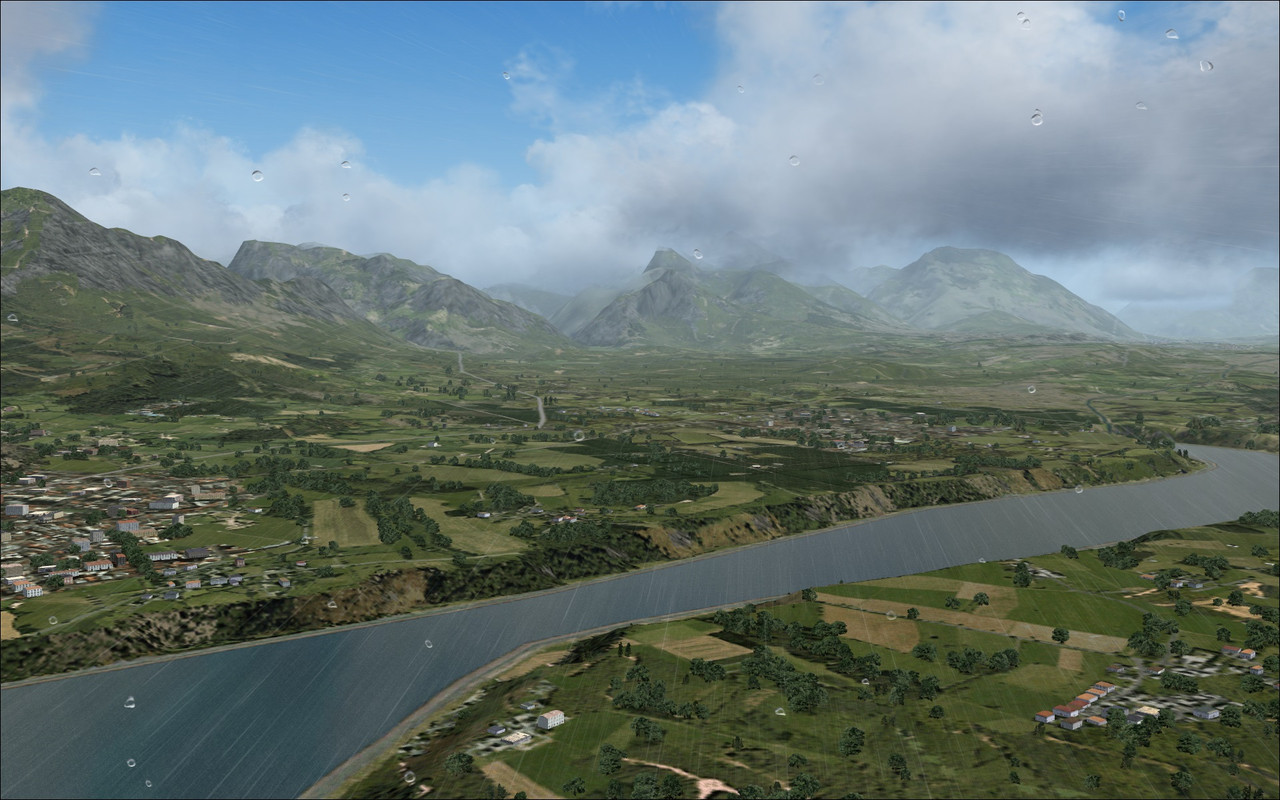
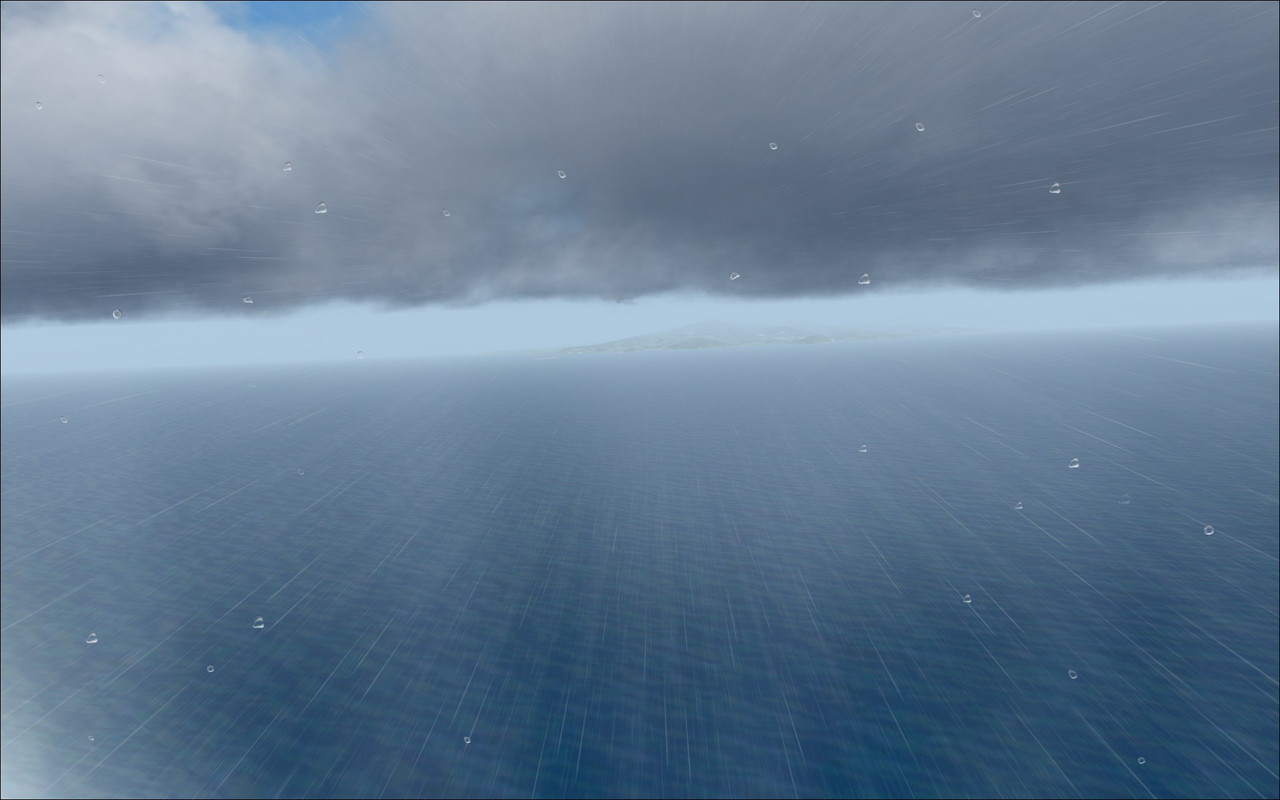

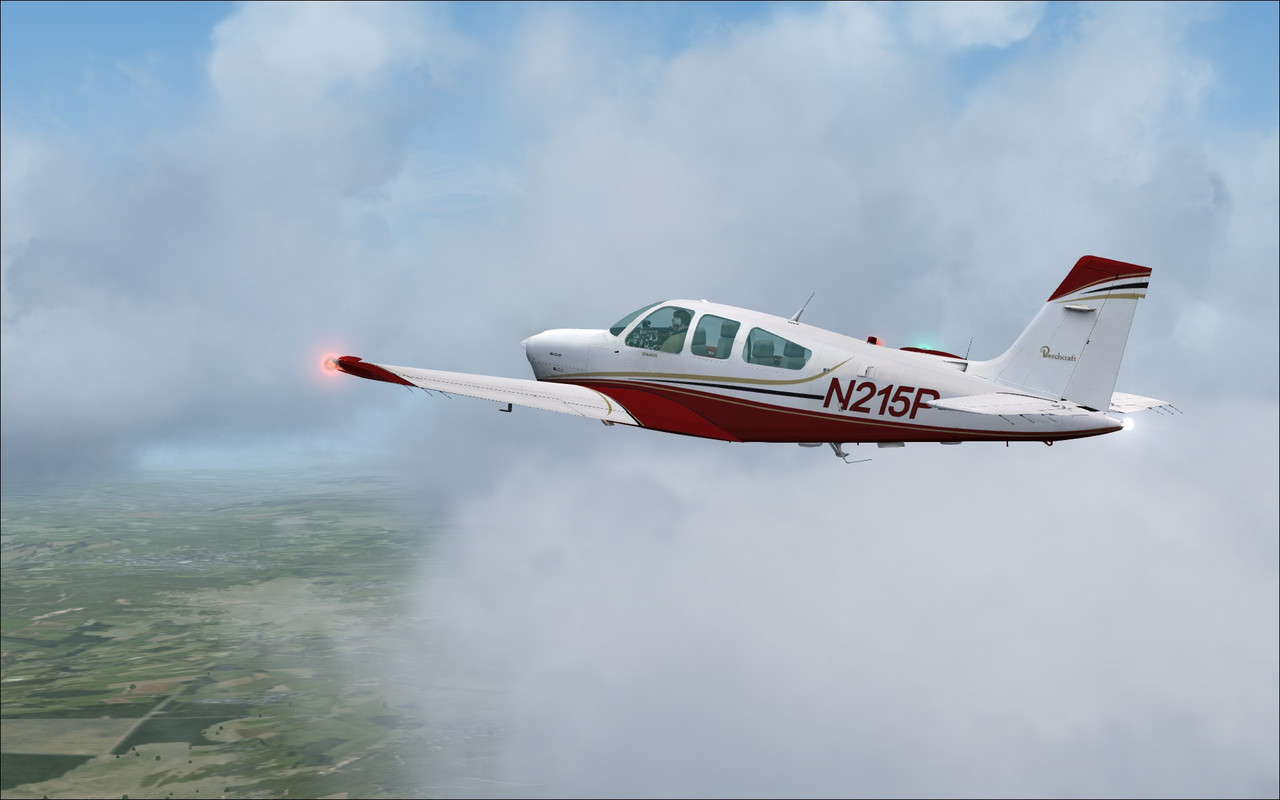

Airbasil
Members +
Actually pictures alone do not really help a lot to solve the actual "Problem"...
So I recommend, comparing the actual METAR data Provided by your nearest Weather station (or the nearest weather station from where you are flying at) with the METAR data provided by FSRealWX.
And also: i do recommend, (if you've chosen to get your weather data from the NOAA Source in FSRealWX), to compare the actual METAR data provided by NOAA on their Website, with the METAR data Provided by FSRealWx.
That way, and only that way, you can see whether or not the weather in your simulator is actually accurate.
Last but not least, check your settings on FSUIPC. As the settings on FSUIPC might also interfere with the Settings in FSRealWX to provide you the accurate weather data from your nearest Weather station.
So I recommend, comparing the actual METAR data Provided by your nearest Weather station (or the nearest weather station from where you are flying at) with the METAR data provided by FSRealWX.
And also: i do recommend, (if you've chosen to get your weather data from the NOAA Source in FSRealWX), to compare the actual METAR data provided by NOAA on their Website, with the METAR data Provided by FSRealWx.
That way, and only that way, you can see whether or not the weather in your simulator is actually accurate.
Last but not least, check your settings on FSUIPC. As the settings on FSUIPC might also interfere with the Settings in FSRealWX to provide you the accurate weather data from your nearest Weather station.
Last edited:
scotty
Members +
That way, and only that way, you can see whether or not the weather in your simulator is actually accurate.
Anyone who reads carefully will notice, that general accurate weather was not the question of the user, he asked very specifically for the cloud setting.For those of you who use FSRealWX, what cloud settings do you use in FS?