• Please see the most recent updates in the "Where did the .com name go?" thread. Posts number 16 and 17.

    Post 16 Update

    Post 17 Warning

  • Bandwidth Drive 2026 is over

    Thanks to everyone who donated.

The Elusive Search for Decent AI Traffic

MIKE JG

SOH-CM-2026
Well my continuing search for reliable, realistic and half descent AI traffic for MSFS2020 isn't really producing much.

My latest endeavor is purchasing Just Flight's FS Traffic (it was on sale!) and...... well..... it's ok but seems a bit shall we say, buggy and doesn't always work.

Previous to FS Traffic, I installed FSLTL and I wasn't that impressed with that either. It loaded up a bunch of one off foreign air carriers instead of airlines that should have been at the airport.

Prior to that I tried to install AIG's traffic and it just caused a hard CTD so I never even got it to work.

With that all said, I've seen where some people will use FS Traffic's models and combine that with FSLTL for traffic injection. I've also read where people have success just using FS Traffic's models and porting them into the Community folder so that the default MSFS2020 AI can use those models instead of the Asobo base models.

I'll take any advice that others have on the AI front. As a former MAIW staffer and contributor, not having realistic AI in the sim drives me bonkers.
 
Last edited:
At this point I have enabled (via Addons Linker), the models for:
* FSLTL
* AIG
* FS Traffic

I then let MSFS manage the actual traffic. It will pick up the appropriate plane/airline from the model library. Under 2020, I had to use FSLTL’s injector, as 2020 doesn’t do a good job with appropriate airlines. 2024 is much better, so I generally just use the standard AI. (I do turn off the “Passive Aircraft” as those are often in appropriate and drop airliners at grass fields, etc.)
 
I use FSLTL, BUT what drives me crazy is the inherent FS behavior, not the models or their placement. I was doing some local flying over Calgary a few days ago in FS2020, keeping my Cessna to around 1000 ft AGL, when an airliner flew under me, and kept descending until it was flying through buildings with impunity. It had taken off from Calgary, descended after a mile, turned right, and pulled off this immersion-breaking stunt. Even flying in VR could not make up for this. When will we get an AI system (to work with 2020 and 2024) to finally provide realistic departure algorithms? We live in hope.....
 
Stayed with AIG OCI and Traffic Controller from the start until recently learning about PSXT and the program's ability to inject IRL traffic (big help from Dave YVRATC on MAIW and AIG members). The problem, the models have to be FSX format to work and stock MSFS ATC doesn't react with the injected AI, so no comms. Since US fighters don't squawk, PSXT can't pick them up (Dave mentioned RAF Tiffys do show on FR24), so an option is to use .bgls. Also, if nothing is flying IRL, the sim is empty as well. I found a few conversions from IVAO MTL, but will probably try to convert them myself. My importer skills with flyable models scores about 50% now. There is also alot of set up to get registration codes correct and in sim the models can appear to jerk around inflight. Very cool to watch a tracked flight land and then park at the exact stand/gate IRL. I switch back to the AIG TC at times as they added coverted HTAI C-130s, but still need my fighters/helos!
 
Ok FS Traffic seems to be doing better, at least at FS2020 default airports. KSEA looked about like it should look IRL. So I loaded up PANC for which I have the Sim Wings custom scenery and na da, nothing. Checked the airport using the FS Traffic Control Center app and it's got a proper airfield file so I'm not sure why AI traffic isn't showing.

I will keep plugging away but I've read multiple reports of FS Traffic not working with custom sceneries which would be hugely disappointing to say the least!
 
On the fighter front I see mil jets show up regularly on the Flight Radar 24 platform. Last week I followed a trail of RAF Typhoons from the UK to Nellis via Lajes/Charleston. Two of the four jets were "pinging". Never seen F-35's show on FR24. Occasionally USAFE F-15E's do show up. Almost all Mil-heavies, by the nature of their flying, will show on Flight Radar 24 and ASDB platforms. It's great to see civi operated Hunters/F-5/s/Mirage F1's flying adversary missions out of places like Point Mugu and Eglin - they are always transponder on! It would be great to see this stuff in MSFS.
 
Last week had one cool event with PSXT while flying in PA, nearby 2x Guard UH-60s (JYAI models) flew over in formation. Checked them on FR24 as I chased them down. They actually displayed correctly and no "rubberbanding" that I have seen with other injected traffic (maintained alt/airspeed). I do need to add the mentioned civ red air and more trainers, as they show in FR24/ADSBEx.
 
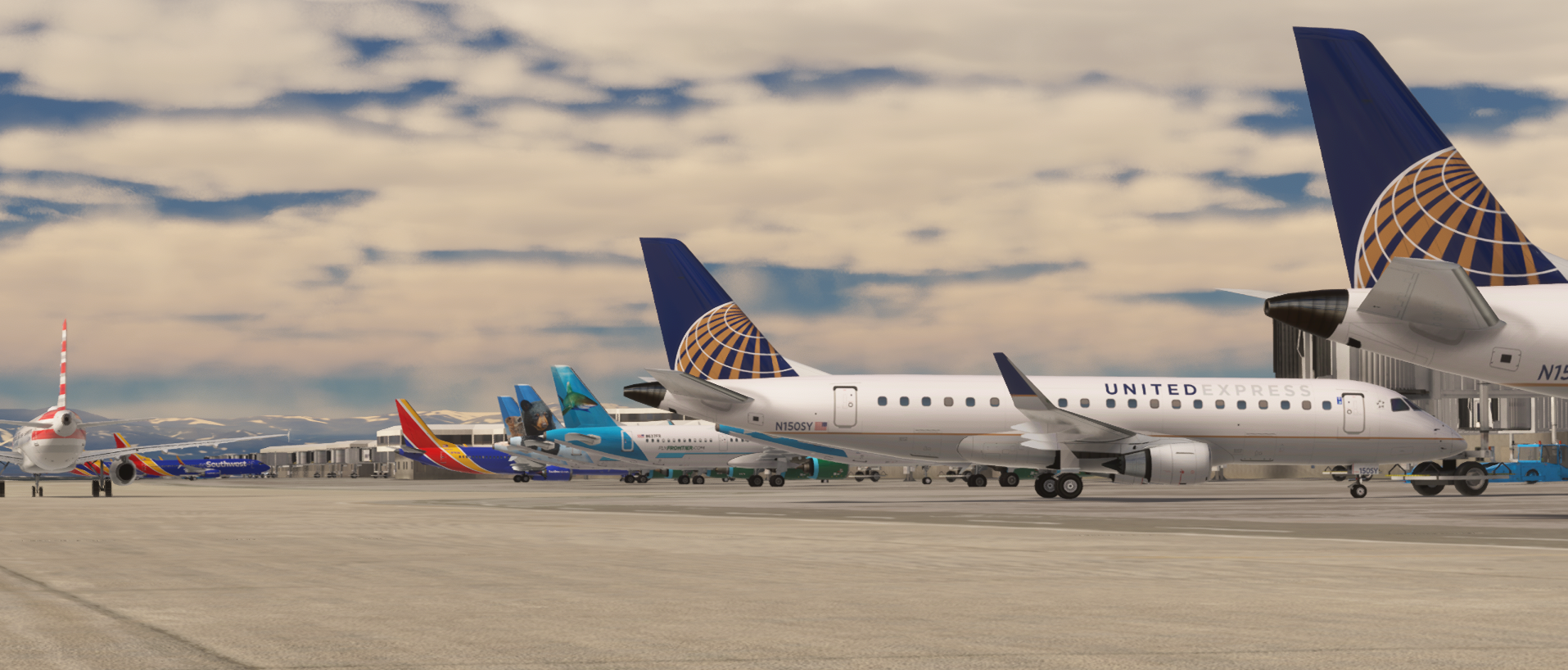
I'm finally making some progress. I've all but given up on FS Traffic. It doesn't play well or sometime at all with any custom scenery which kind of defeats the purpose. So I went back and gave AIG another try. This time I let the OIC (One Click Installer) just install everything, and I mean EVERYTHING, all 2802 airlines/operators..... That took about 7 hours to download all of those files over a few days.

The result..... Pretty happy with it! The sim load time has obviously increased quite a bit but that's to be expected! Now time to start tweaking on it to make it better but it's much more in line with what I was searching for. It plays well with custom airport sceneries and gives me some hope after many weeks and months of frustrations.

frmY4wP.png
 
I'm finally making some progress. I've all but given up on FS Traffic. It doesn't play well or sometime at all with any custom scenery which kind of defeats the purpose. So I went back and gave AIG another try. This time I let the OIC (One Click Installer) just install everything, and I mean EVERYTHING, all 2802 airlines/operators..... That took about 7 hours to download all of those files over a few days.

The result..... Pretty happy with it! The sim load time has obviously increased quite a bit but that's to be expected! Now time to start tweaking on it to make it better but it's much more in line with what I was searching for. It plays well with custom airport sceneries and gives me some hope after many weeks and months of frustrations.

frmY4wP.png
I went to AIG and all I read is 2024. Will the OIC work with 2020? I had AIG years ago in other sim versions and loved them.
 
Yep, the AIG tools work for both 2020 and 2024. FSLTL loads faster, but man, AIG is insane with the number of liveries and aircraft it includes. Plus AIG's design works better if you've changed the sim time and you're flying in areas where most real pilots are asleep. (FSLTL uses "real-time" traffic. AIG's schedules are canned, so they can adjust to whatever time the sim is set to.)
 
Yep, the AIG tools work for both 2020 and 2024. FSLTL loads faster, but man, AIG is insane with the number of liveries and aircraft it includes. Plus AIG's design works better if you've changed the sim time and you're flying in areas where most real pilots are asleep. (FSLTL uses "real-time" traffic. AIG's schedules are canned, so they can adjust to whatever time the sim is set to.)
How big an install are we talking here? And how much extra time in terms of loading? Because I do most of my flying at night North America time, shifted for day flying, and man are the skies empty. Having time-shifted AI is one of the things I really miss about FSX/P3D. That and California Classics.
 
My initial load time has increased significantly, like in the 7-10 minute range (I haven't timed it yet). Also the in game load time is much higher. But I installed all the flight plans, aircraft and liveries which I am slowly going back and pairing down. So in theory the loading time should improve the more I dial back how much AI traffic it has to generate. I have noticed that once everything is loaded, in game you can quit to main menu then select another airport and load that up and that process isn't taking that long once everything is loaded.

Also and someone please correct me if I'm wrong as the AIG documentation is pretty basic, you also have to first start the AIG Traffic Controller module. That alone takes up to 5 minutes. But again that should come down as I reduce the number of airlines installed.

My main AIG folder that stores all the flight plans, models and liveries is about 70GB. And as I mentioned above the download took at least 7 hours to do which I paused 3 or 4 times and was able to resume without any issue.

On a funny side note, the company that I actually fly for in real life (small part 91 operator with just a few airplanes) is included in the AIG flight plans..... I had no idea we were in there!

Also on that note, there are some big players missing from the flight plans, Delta Air Lines for example is not part of AIG.

f4ck49V.png


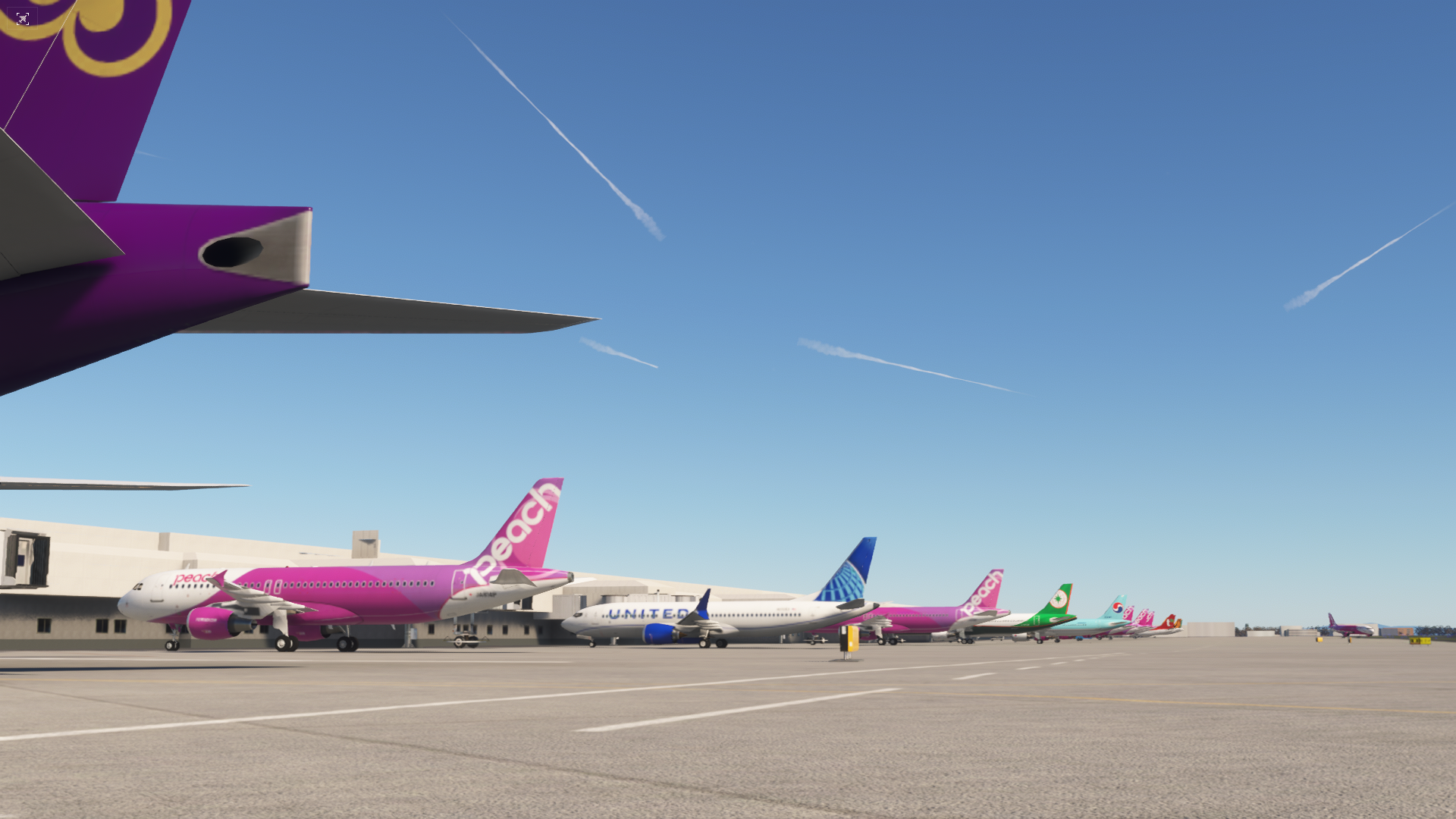
But with traffic like this at Kansai, Japan it's soooooo hard to want to delete any of it, lol... BTW, I have no idea what that United 737 Max is doing here...... Also note just how many contrails are in the sky in just this one image which is only a few minutes after spawning at RJBB.

I plan to keep FS Traffic installed and hopefully get the two programs playing nice with one another as it does have Delta traffic. So for example right now with just AIG loaded up, if you go to say ATL, DTW or MSP, it's all non Delta airline traffic. Disappointing but I know there are copyright laws that keep some of the airlines out of their set of flight plans.
 
Last edited:
With all of the and models downloaded, 56GB. That's FS2024, but I think 2020's about the same. That's worldwide planes/traffic, you can be selective if you have space limitations.

Also note that AIG traffic controller loads independently of MSFS, so if you're a 'cold and dark' person, you can launch the sim, and then let the traffic load up while you're sitting in the cockpit doing your startup checklist. :)
 
So tested AIG last night, pleased with the results overall but had to lower traffic density as it was crashing Simconnect at the landing airport. Further testing to come.
 
Yep, the AIG tools work for both 2020 and 2024. FSLTL loads faster, but man, AIG is insane with the number of liveries and aircraft it includes. Plus AIG's design works better if you've changed the sim time and you're flying in areas where most real pilots are asleep. (FSLTL uses "real-time" traffic. AIG's schedules are canned, so they can adjust to whatever time the sim is set to.)
Thank you! Don
 
Well shucks, I stand corrected. Delta Airlines is available but for some reason didn't download with the automatic OCI the other day. I think it's a separate download now that was introduced since the last update to the OCI. Using the AIG AI Manager app I was able to see that there were 117 new or not installed flight plans/AI models which I then was able to choose from. Some of these were just flight plan updates to the latest versions, most were summer 2025. But airlines like Delta never got installed in the first place so that is a big win! I was checking out ATL earlier this evening and it was a ghost town with no Delta traffic, not even with FS Traffic running. This I think will fix that nicely!
 
Last week had one cool event with PSXT while flying in PA, nearby 2x Guard UH-60s (JYAI models) flew over in formation. Checked them on FR24 as I chased them down. They actually displayed correctly and no "rubberbanding" that I have seen with other injected traffic (maintained alt/airspeed). I do need to add the mentioned civ red air and more trainers, as they show in FR24/ADSBEx.
apart from not having ATC communication with PSXT planes it is a great Traffic addon!
 
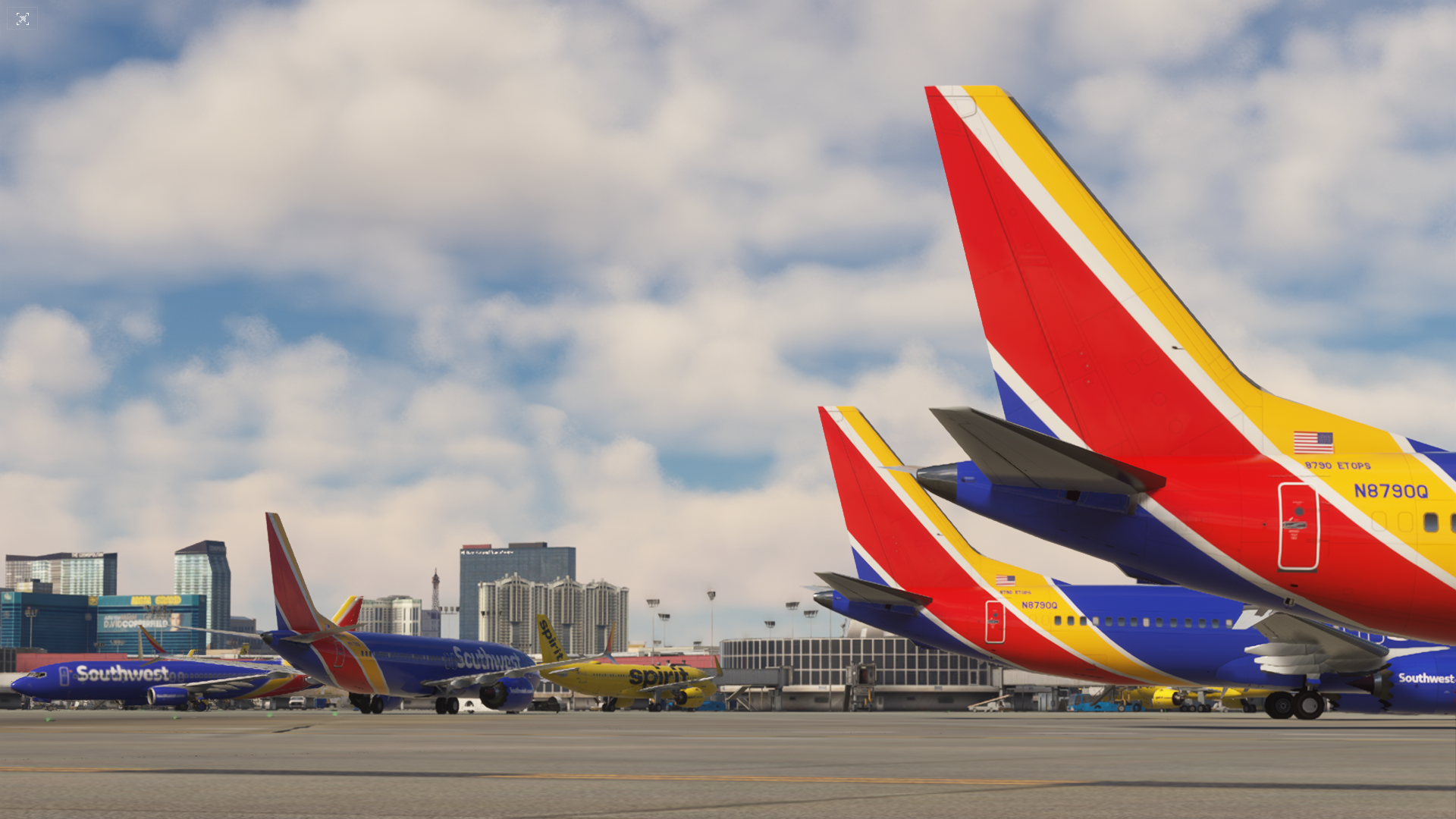
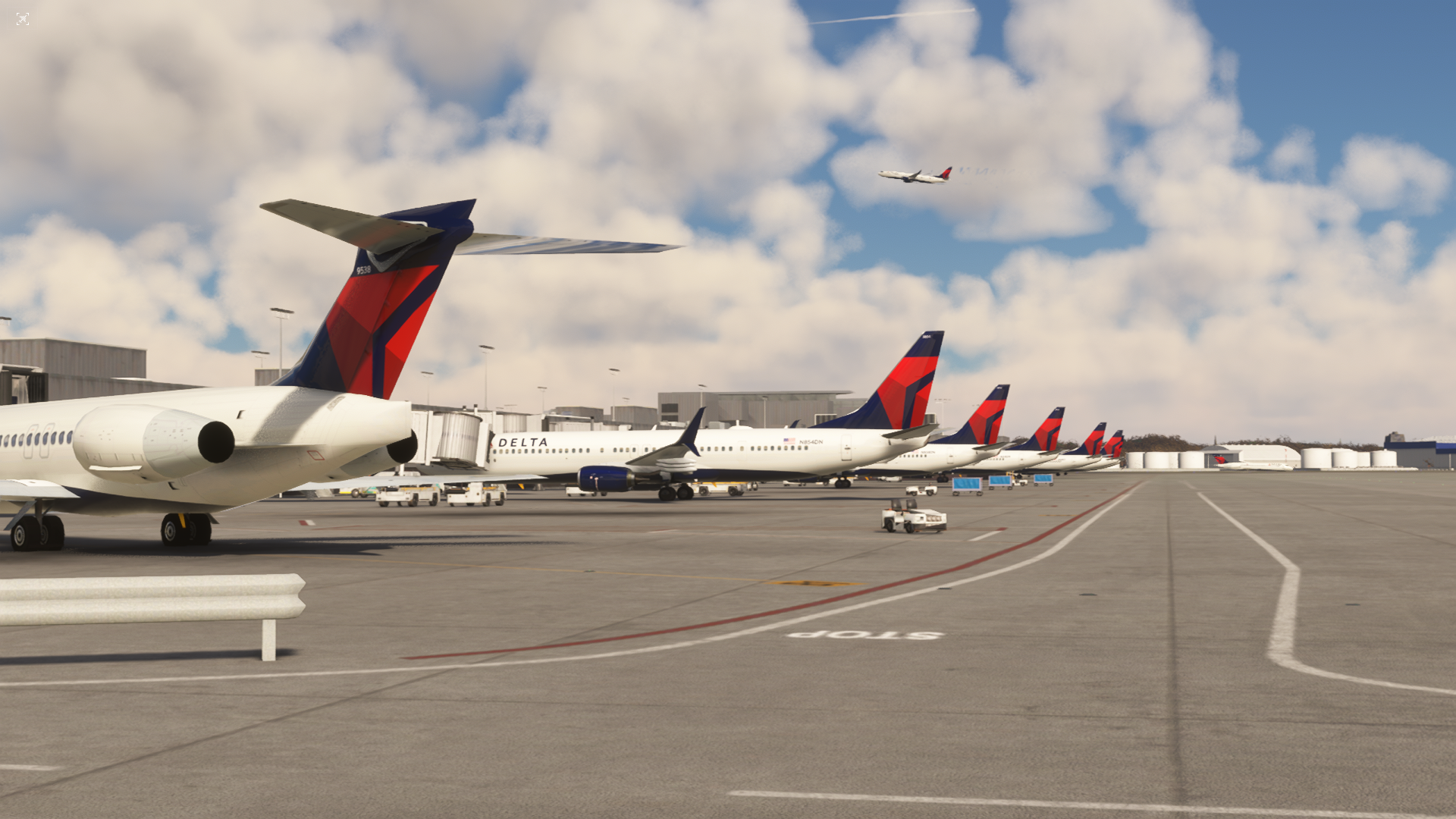
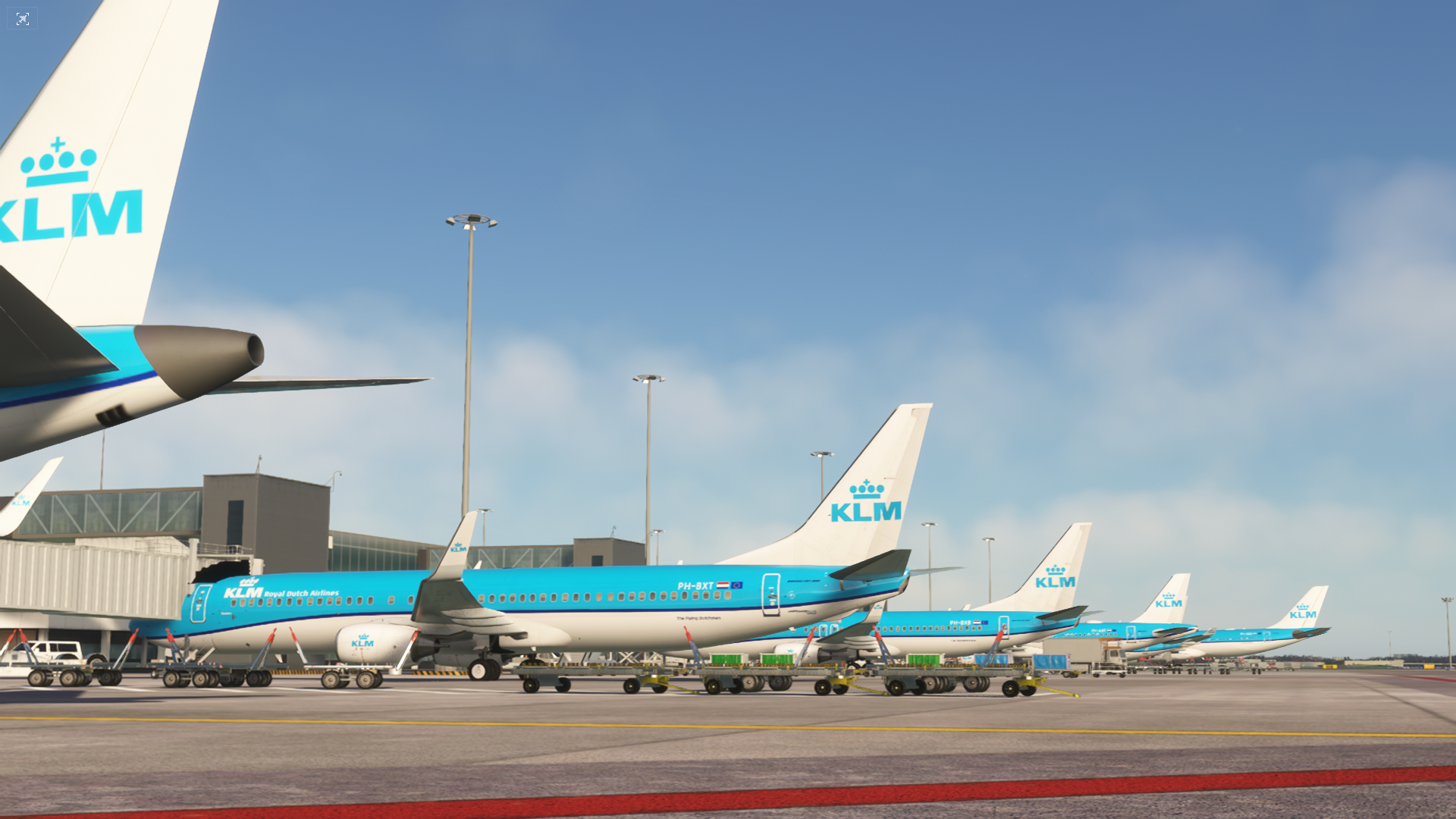
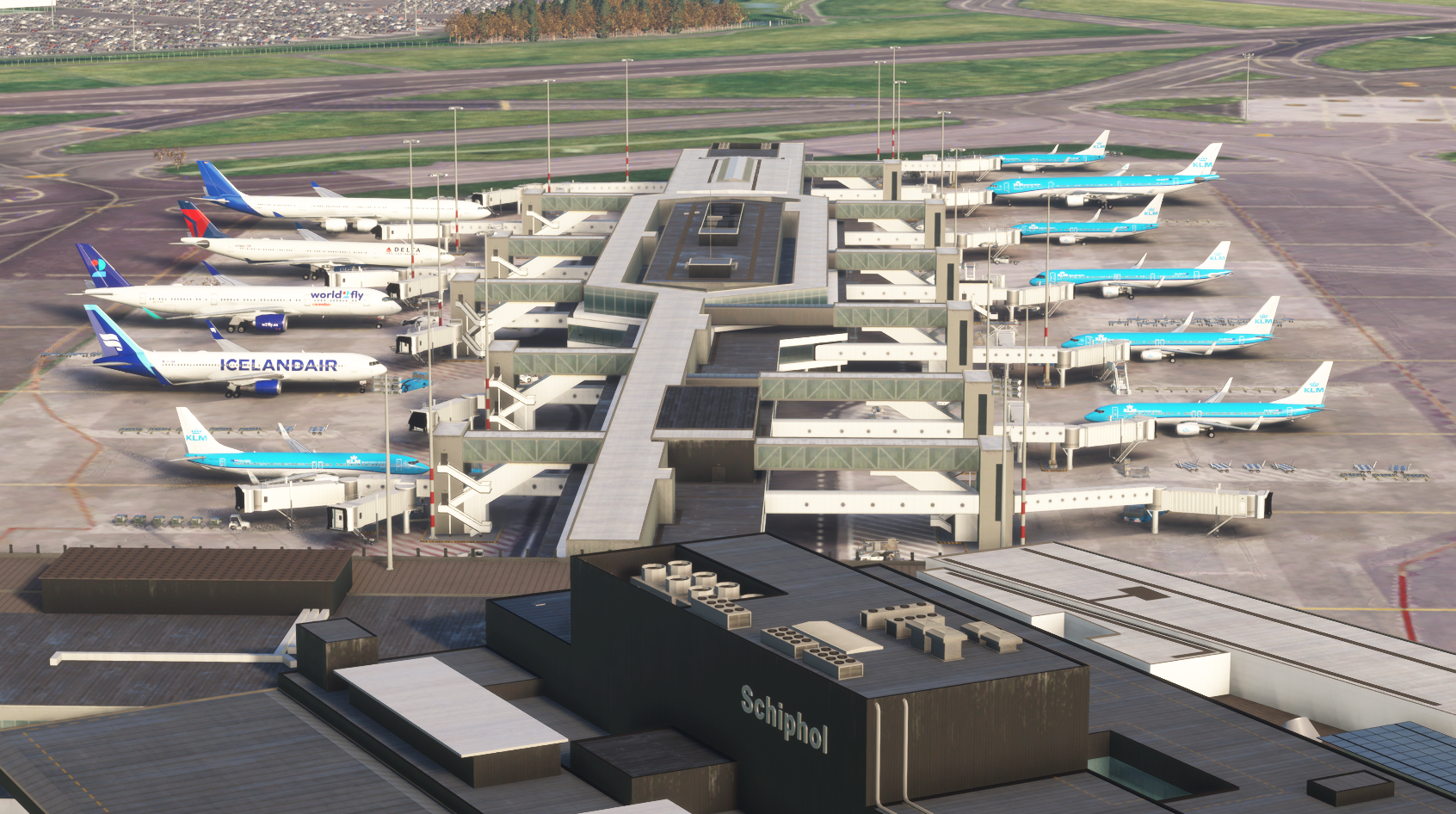
Got the Delta Airlines thing figured out, it didn't make the initial download for some reason but it's in there now and I'm pretty happy with the AI situation now. The AI models themselves behave like crap but that's a whole other thread for another time. Visually it looks great. Splurged a bit and bought one of the payware sceneries for EHAM. Pretty cool stuff!

fsZrtgs.png

fsZOh22.png

fsZOWrl.png

fsZOELG.png
 
Back
Top