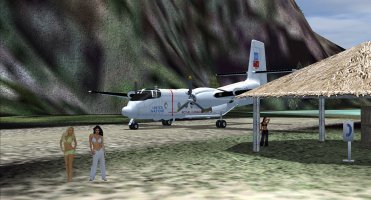
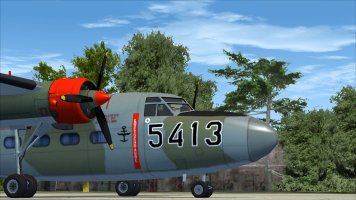
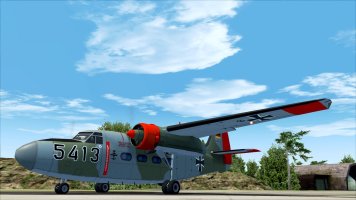
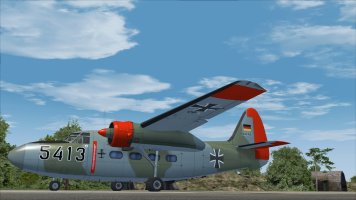
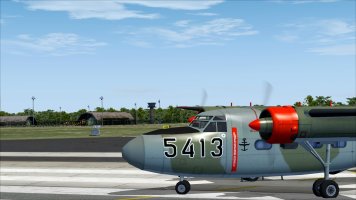
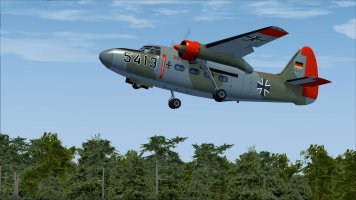
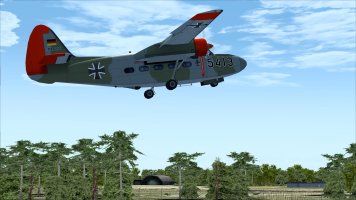
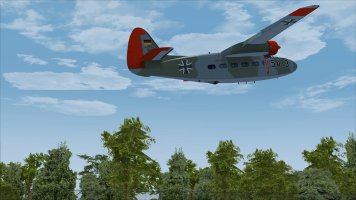
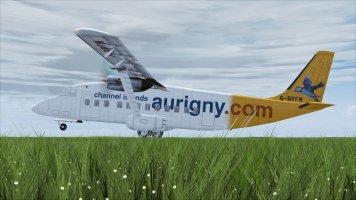
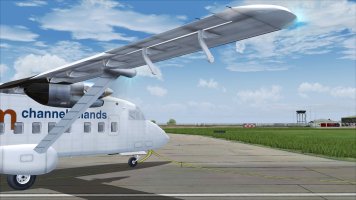
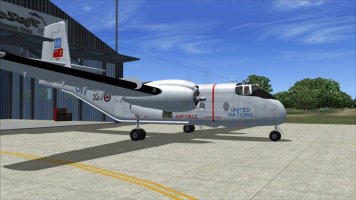
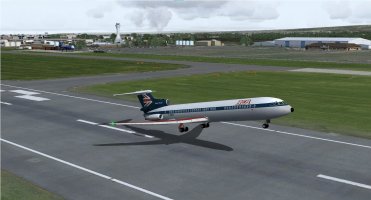
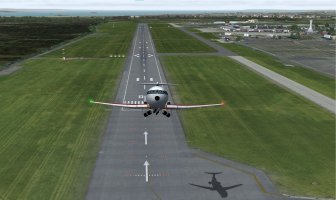
This is the information on my particular version of the De Havilland Caribou as best I can recall...
After downloading and installing, I noticed that the deicing boots are not present on the horizontal stabilizer for the RCAF/UN paint which was the one I wanted in particular! I appealed to my wife the Photoshop expert, and she was able to add them without batting an eye. To date however, I have not been able to coerce her into doing any repaints for flight sim aircraft.
The next thing I did was add the radar thimble to the nose. This was accomplished by
placing the C-7 UN textures onto the C-7A model, the US 'nam version. I was concerned the textures would not fit because the UN version does not have the radome, but it worked ok.
The first flight was rather disappointing in that the performance was too good! Have you ever heard anyone making that complaint before? I was able to bring this closer to "book" figures by making the following adjustments;
-set the angle of attack to 3 degrees
-shifted the center of lift rearward slightly which improved the stall characteristics, resulting in a more realistic, nose dropping stall as opposed to the ridiculous tail slide stall that so many flight sim aircraft exhibit.
-corrected some undercarriage problems such as contact points, suspension travel etc
-made some changes to the lights, added the bottom beacon and tail light
-changes to the aircraft CFG to "de tune" the overall performance a bit
There were several other minor adjustments made which I don't recall at the moment.I have included my aircraft CFG which you can use to replace or compare to the stock CFG. While the modified performance figures are as close to "book" specs as I could get, the rate of climb is still somewhat on the high side. Adjusting engine power, thrust, drag or lift in the CFG just made things worse. Finally, I adjusted the flight envelope as close as possible and get around the climb issue by using slightly reduced manifold pressure.
As for the various paints, I was unable to track down the original files. I think the best way to get them to you would be to email them directly to you, however I do not have your address. I would send you the entire texture folder which is 360MB,can you handle that? I will try to put them in a zip file and post it if that is preferable.
One way of confirming take off and landing performance is by this handy gauge.I have it installed as a pop-up. It is available here;
https://library.avsim.net/search/basic/root/takeoff and landing gauge
the file you are after is Runway_Roll_Gauge_v20.zip by Orest Skrypuch.
The best program for checking/correcting aircraft problems I use is; Aircraft Container Manager, available here;
Simviation: Microsoft Flight Simulator Addons
simviation.com
This program presents your aircraft as a wireframe, and basically all you need to do is match the aircraft you are checking to the wireframe, which is how the aircraft should look, and compare it to yours. Once you have everything matched up you should be well on the way to having a flyable machine. It can do much more also, and it comes with an easy-to-follow manual.
I use this one to make adjustments to the air file; Aircraft Airfile Manger, also available here;
Simviation: Microsoft Flight Simulator Addons
simviation.com
I use this one for the clouds, however it comes with an env map which I also use.HDE v2, here at;
https://simviation.com/1/search?submit=1&keywords=hdev2&x=22&y=8
And last but not least; ReShade 6.7.3 here at;
https://reshade.me/
I use this one primarily to make adjustments to the contrast and sharpening. The adjustments are very subtle, and you can fine tune fs2004 to look quite well.
Shaders I am using at this time;
AMD FidelityFX Contrast Adaptive Sharpening [CAS.fx]
iMMERSE: Anti Aliasing [MartysMods_SMAA.fx]
DPX [DPX.fx]
Tonemap [Tonemap.fx]
Well, that's pretty much it, changes I made and how I did them. I hope you found it beneficial!